
(242) 698-5100 (242) 323-1500
(954) 312-7400
How to Sign Up for Migrafill SmartPanics?
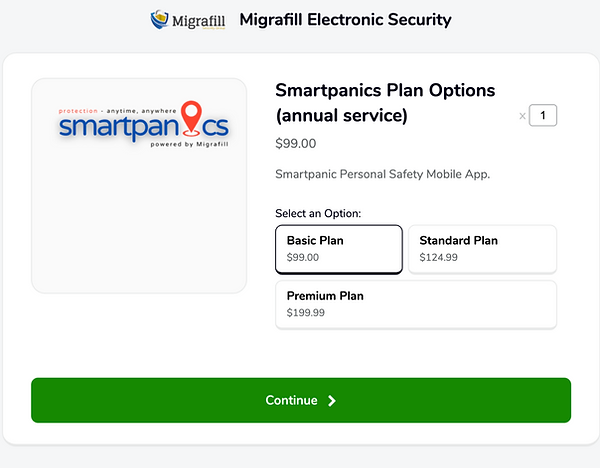
Step 1: Choose Your Plan

Select the service plan that best fits your needs. Review the options and pick the one that works best for you.
Step 2: Complete the Subscriber's enrollment form

Fill out your personal information in the enrollment form so we can create your account.
Step 3: Click "Pay and Activate Service Plan Link"

Once your form is complete, click the Pay and Activate Service Plan button to move to checkout.
Step 4: Pay and Activate Service
You’ll be redirected to our secure Fygaro payment page. Enter your payment details and confirm your purchase.
Step 5: Fill out the app activation form

After payment, complete the short activation form so we can connect your account to the SmartPanics app.
Step 6: Confirmation/ Support

Once everything is complete, you’ll receive a confirmation email from Migrafill SmartPanics with your details. Our support team is also available if you have any questions or need help getting started.